
For eye care practice owners and managers
You sell the first month. Keep earning on the refills.
Recommend ongoing eyelid care or an AREDS 2 supplement. We get the first month to your patient and Doc2Home delivers the months that follow. Your practice earns on each eligible paid refill, and there is nothing for you to buy.


The missed opportunity
What happens after the first month?
You identify the need and recommend the product. When the next month is bought somewhere else, your practice loses the refill. Doc2Home keeps eligible repeat orders connected to your practice.
 You recommend it
Bought elsewhereor not reordered
None on refills
You recommend it
Bought elsewhereor not reordered
None on refills
 With Doc2Home
Shipped or handed outnothing for you to buy
Delivered to their home
Practice earningson each eligible paid order
With Doc2Home
Shipped or handed outnothing for you to buy
Delivered to their home
Practice earningson each eligible paid order
How it works
Three steps. Nothing for you to buy.
-
 1
1Choose how the first month starts
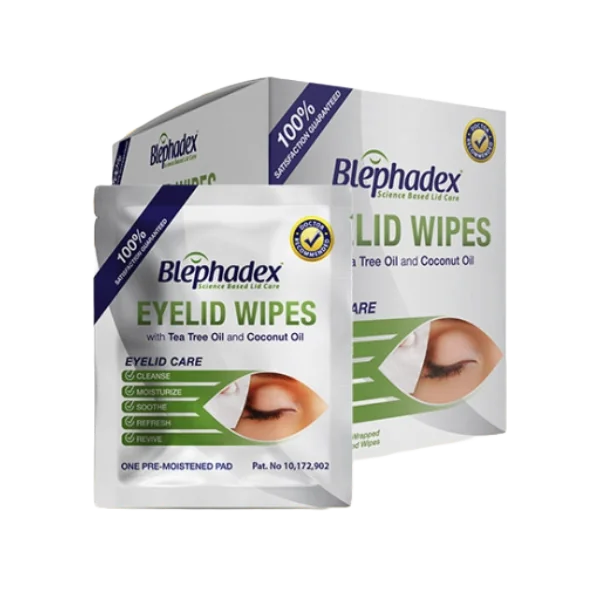
We ship the patient's first month free to their home. Or we supply your office and you hand it to the patient. Either way, you buy nothing.
-
 2
2Enroll the patient
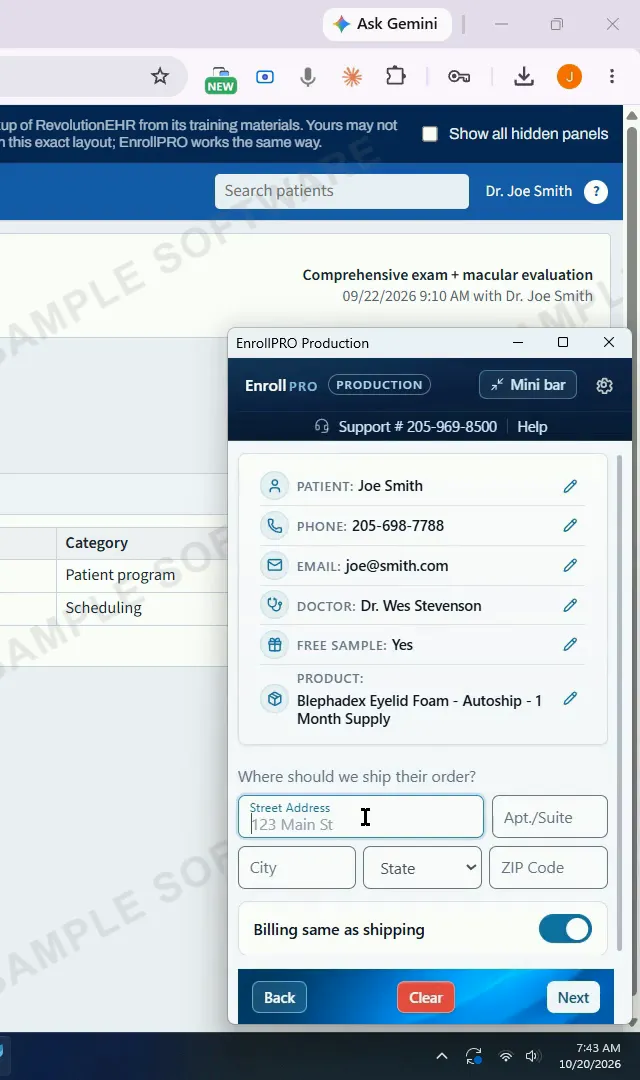
Your staff enter it in about a minute. The patient reviews the schedule and price and confirms on their own device.
-
 3
3Earn on eligible paid refills
Doc2Home handles delivery and billing for the months that follow, and your practice earns under the program terms.
Practice earnings
See how practice earnings work on repeat orders.
Practice earnings come from eligible paid repeat orders, at the product and program terms current when the patient enrolls. The practice information pack sets out the economics product by product.
- Nothing to buyWe ship the first month or supply your office. Refills ship from Doc2Home's own stock.
- Earnings on eligible paid refillsEach eligible repeat order that is placed and paid earns the practice, per the program terms.
- Nothing to bill or chasePayment, shipping and the schedule are handled for you, and you are told as patients enroll.
Practice earnings are revenue to the practice, not net profit. They depend on the products patients take and how long they stay enrolled; patients can change or cancel at any time, so earnings follow orders actually placed and paid.
See it work
The workflow, and what your patient sees.
A real enrollment, start to finish
Your front desk enters the patient's details and the delivery schedule, and the patient confirms and pays on their own device: card reader, secure payment link, or card entered at the desk. About a minute. (Sample EHR, fictional patient.)
 EnrollPRO is the enrollment tool, free for Doc2Home practices. How it works

What the patient chooses
The patient sees the product, the price and the delivery schedule before anything is charged.
- A one-month or three-month supplyon a repeat schedule, free shipping.
- Changes with one callChange the date, address or product, or cancel, by calling Lunovus. No contracts.
- Pays on their own deviceCard details go to secure checkout, never to your practice systems.
- Your practice stays in the loopYou are emailed when a patient enrolls or cancels, and patients get letters with your branding.
Practical questions
Questions practices ask before they start
Can we still sell products in the office?
Yes. In-office sales can continue as you choose; Doc2Home is not required for them. Doc2Home covers the months that follow with home delivery.
How does our practice earn?
The practice earns on eligible paid orders according to the selected product and current program terms. How and when earnings are paid is set out in the terms you receive before activation. Earnings are revenue to the practice, not net profit. The practice information pack lists the current product economics.
What does our staff need to do?
Enroll the patient while they are still in the office, using EnrollPRO: beside the chart in supported EHRs, or typed into EnrollPRO Mini for any EHR. It takes about a minute, and the patient confirms and pays on their own device. Training is short: a one-minute getting-started presentation and a 20-minute setup call with a Lunovus specialist.
Watch: what to have ready
Which products are available?
Eyelid care
- Blephadex Eyelid Wipes
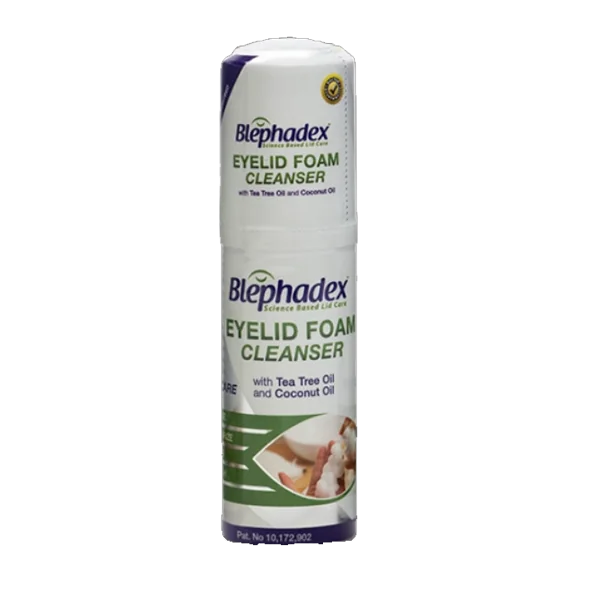 Blephadex Eyelid Foam
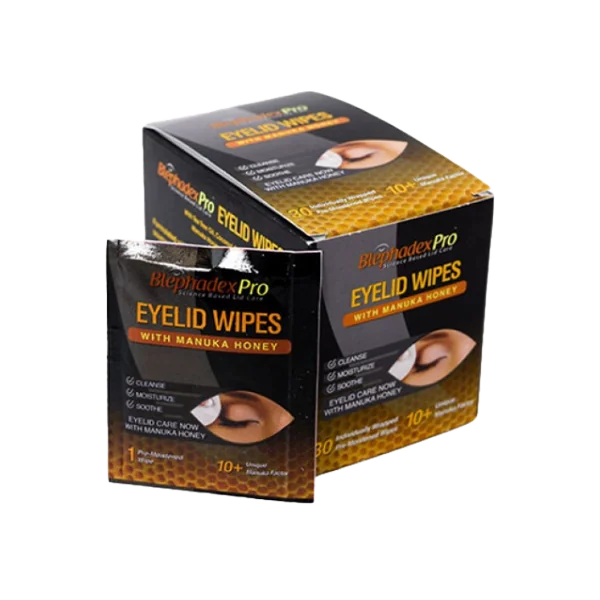 Blephadex Pro
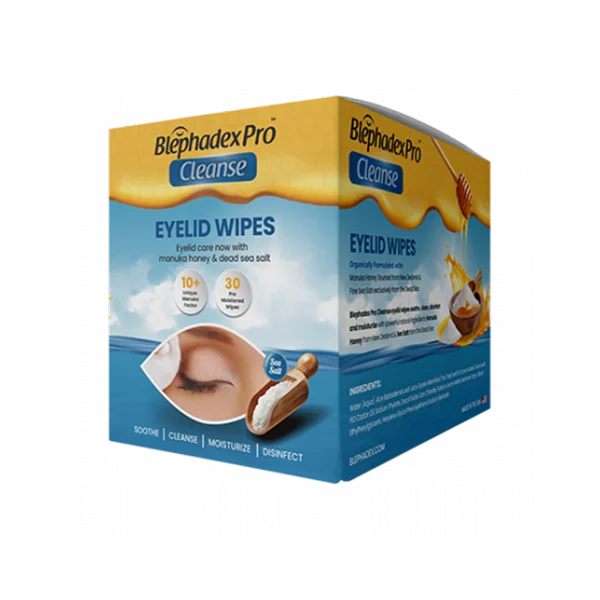 Blephadex Pro Cleanse Wipes
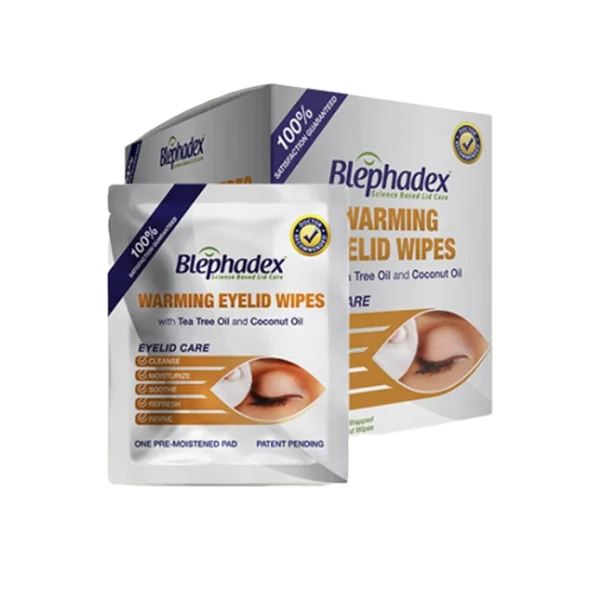 Blephadex Warming Wipes
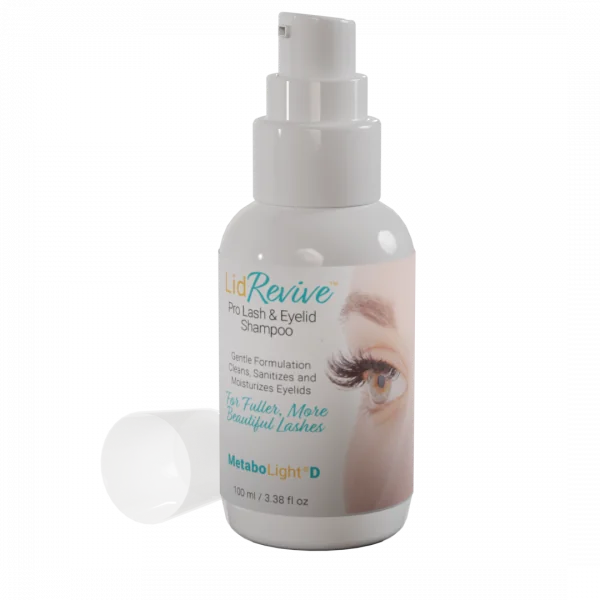 Lid Revive Pro Lash & Eyelid Shampoo
- AREDS 2 Macular Support
 AREDS 2 Macular Support Chewables
 AREDS 2 Macular Support +Multi
 Macular Support +Meso-Z
 Zinc-Free AREDS 2 Macular Support
 Zinc-Free AREDS 2 +Multi
 Zinc-Free Macular Support +Meso-Z
 AREDS 2 +Multi +Meso-Z
What are the costs and requirements?
As published for the current program: no setup fee, no monthly fee, nothing to buy, and no long-term contract. Practice earnings come from a share of eligible paid orders. You need an email address for notifications and a computer or tablet at the front desk. The complete current terms are provided before activation; request them with the practice information, or ask a specialist.
How do patients manage their subscription?
Patients choose a one-month or three-month supply on a repeat schedule with free shipping. They can change the date, address or product, or cancel at any time, by calling Lunovus; patients with an online account can also do it there. No contracts.
What happens after we sign up?
A Lunovus specialist contacts you within one business day to complete setup on one 20-minute call: your practice basics, your products and prices, the bank connection for practice earnings, and how your team enrolls. Your portal and EnrollPRO logins follow the call, and enrollments can start the same day.
Watch: what to have ready
Option 1 · still learning
Get the Doc2Home practice information
The overview, the staff workflow and the current product economics, at your own pace. We will not call unless you ask.
- The 2-minute overview, right awaythen the full presentation, staff workflow and economics by email.
- Five short follow-up emails over about two weeksone topic each; unsubscribe in one click.
- We will not call unless you ask.Tick the box if you want a specialist to reach out.
Ready now instead? Get my practice started
Option 2 · ready to go
Get your practice started with Doc2Home
Tell us the basics and a Lunovus specialist completes setup with you on one 20-minute call. Nothing is charged here, and no patient or banking details are collected.
- Request setupthe short form here, confirmed by email.
- Setup call, 20 minutesyour products and prices, bank connection and how your team enrolls.
- Start enrollingyour logins follow the call; enrollments can start the same day.