
Presentations, downloads and the practice newsletter.
Everything a practice needs after the first conversation: the narrated presentations to forward to a partner, the EnrollPRO downloads, the login, and a short newsletter for the front desk.
 No sign-up needed
Which one should I watch?
Seven narrated presentations. Each plays in a popup with narration; no sign-up, nothing to install. Pick by what you need today.
- Looking at Doc2Home for the first timeThe full presentation · 6 min The 2-minute summary
- Want the why before the howThe story · 3 min
- Just signed upGetting started · 1 min
- Setting up EnrollPROBrowser: your EHR opens in Chrome Mini: details typed in Windows steps
Doc2Home: start here
For a first look, to share with a partner, or to play in a team meeting.
 Doc2HomeThe full Doc2Home presentationEverything in order: the opportunity, what Doc2Home is, the income, ten ways to enroll a patient, EnrollPRO, payment and staying connected.Best for: Your first look, or to share with a partner or office manager.
 Doc2Home2-minute summaryJust the essentials: what Doc2Home is, how an enrollment takes about 45 seconds, the income, and what to do next.Best for: A busy doctor, or a quick forward.
 Doc2HomeThe Story of AREDSOne patient’s Tuesday visit: the recommendation, the bottle that never gets reordered, and the clear path home. The “why” behind Doc2Home, told as a story.Best for: A team meeting, or a doctor who wants the why before the how.
Get set up
Once you say yes: what to have ready for the 20-minute setup call, then one short walkthrough for each way to enroll. Not sure which fits your EHR? Choose your path. Windows EHRs have step-by-step set-up on the EnrollPRO page.
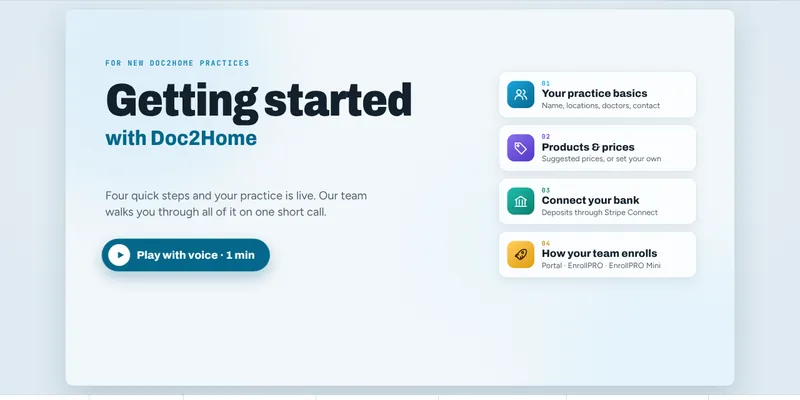 Doc2HomeGetting startedThe four set-up steps after you say yes: your practice basics, your products and prices, your bank connection, and how your team enrolls.Best for: A practice that has signed up, before the 20-minute setup call.
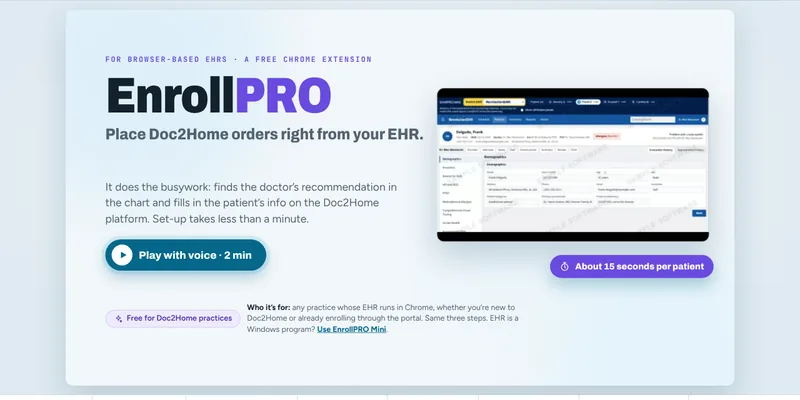 EnrollPRO · BrowserBrowser: install it, then watch it workWhat EnrollPRO is, a live enrollment, then the 3 set-up steps: log in, install the free Chrome extension, activate.Best for: A practice whose EHR opens in Chrome at a web address.
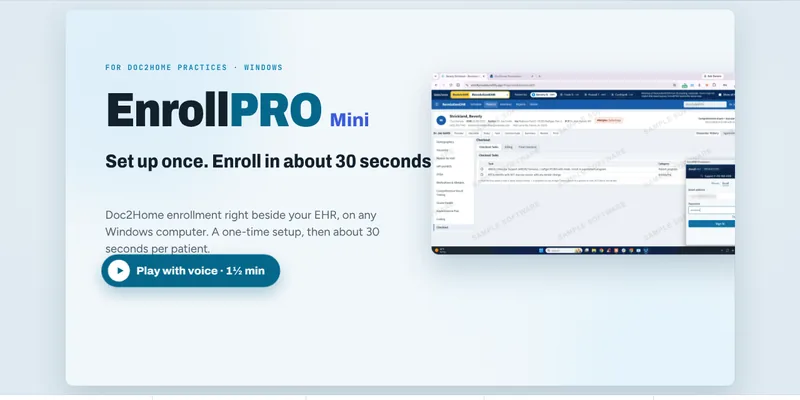 EnrollPRO · MiniEnrollPRO Mini: typed-in enrollmentsWhat Mini is, the one-time setup, then how to enroll each patient in about 30 seconds with the details typed in.Best for: An EHR that cannot be read, or a team that prefers typing. Works with any EHR, or none.
Sent personally by your Lunovus rep
Built from one practice’s own numbers, so it is not a general overview.
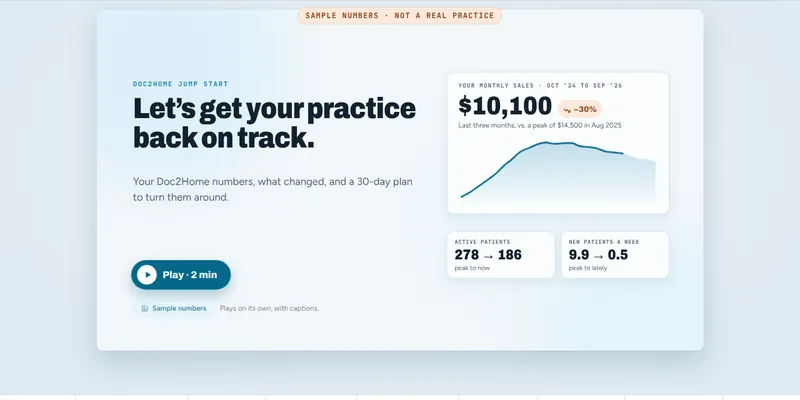
Tools for the front desk.
EnrollPRO · Browser
The free Chrome extension for practices whose EHR is opened in Chrome at a web address.
EnrollPRO · Windows and Mini
For an EHR that is a program on a Windows computer: it reads the open chart. EnrollPRO Mini is the same enrollment with the details typed in, for any EHR.
Formula reference
Every Lunovus supplement with its serving size, bottle count and actives per serving, straight from the labels, plus a link to each full Supplement Facts table.
Label facts on file: April 2025. The bottle in hand is the official version.
Doc2Home practice portal
Enrollments, statements, products and prices, patient letters, your branded store.
Everything a practice asks for, in one place.
Program pages
Program updates, new products and what is working in other practices.
A short email for practice owners and front-desk teams: product and pricing updates, new EnrollPRO features, enrollment ideas from practices like yours. No patient marketing, no daily sends, unsubscribe any time.
Ready to talk instead? Tell us about your practice or call 1-800-980-6551.